

Choose the days
Select the required days of the week for each program.
Give your watering routine a clear ON/OFF plan.
Set opening and closing times in the Sensoware App, then send the program to the valve. The valve’s timer follows the stored schedule—without Wi-Fi or GSM.

Create a repeatable routine for your farm or garden. Choose the operating days and define separate ON and OFF events for each watering window.
Select the required days of the week for each program.
Use an ON event to open and a separate OFF event to close.
Match the valve to the installation, send your schedule, then check the first watering cycle.
Choose the correct valve size, connection and supply for your pipeline and operating conditions.
Set the times, days and ON/OFF actions in the Sensoware App. Send settings to store the program in the valve.
Observe the first opening and closing cycle, then adjust the schedule to your irrigation requirements.
Set times and days in the app, then send to the valve. No Wi-Fi or GSM.
Open the Valvon T device in the Sensoware App and connect to it. Open Scheduled ON/OFF Settings to view the programs.
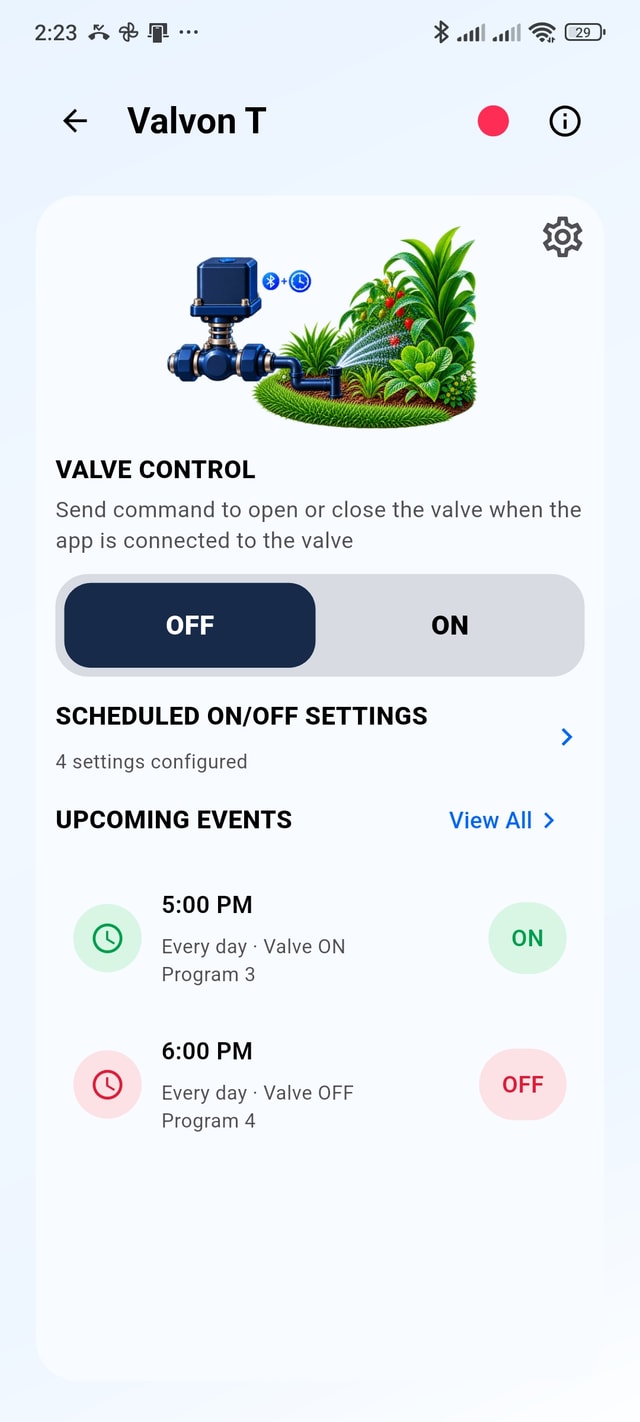
Add a program. Set the time, days and ON/OFF action. Save changes, then add a separate event for the opposite action.
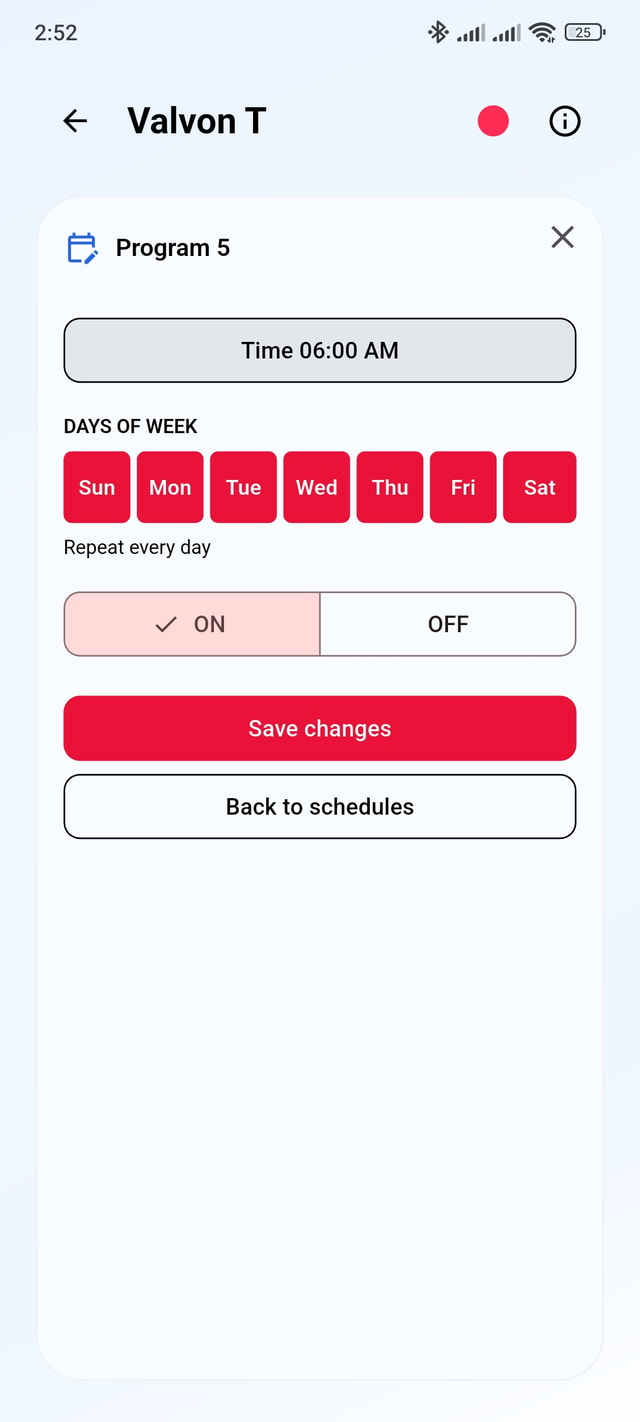
Tap Send settings to store the program in the valve. Use Read Current Schedules to check it.
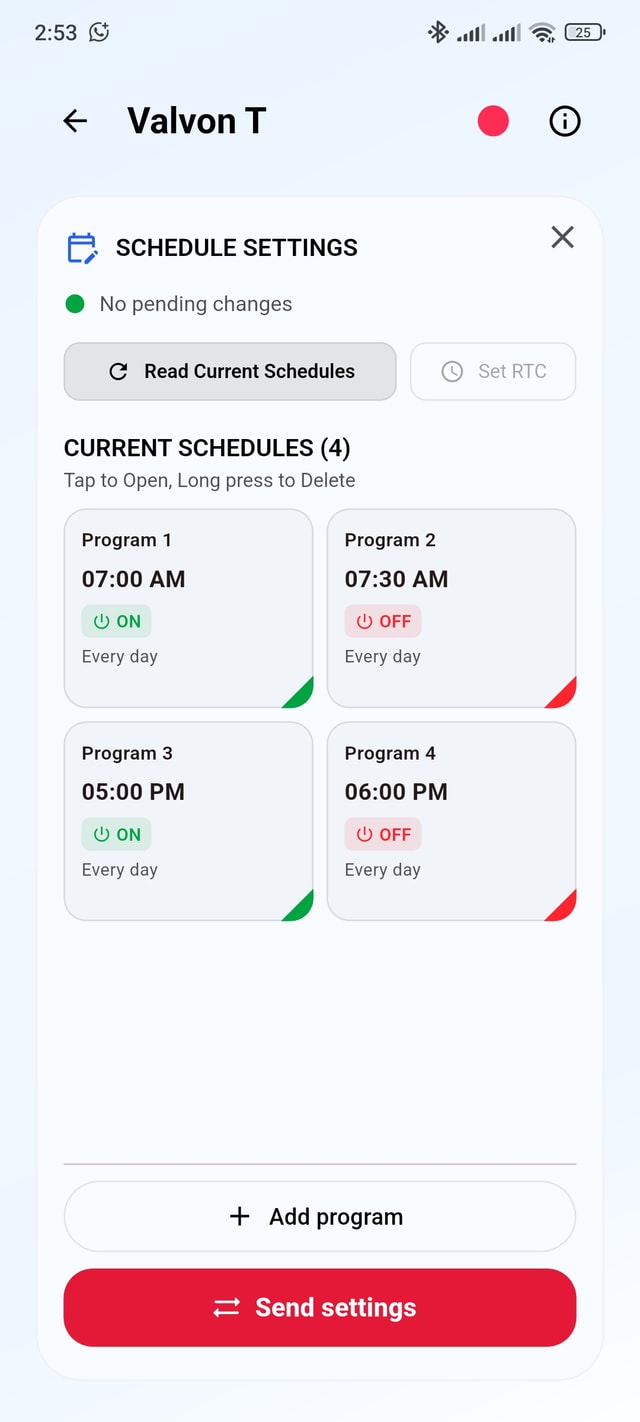
This daily example follows the schedule shown in the app. Set the times and days to suit your irrigation needs.
Repeats every day · example program
Repeats every day · example program
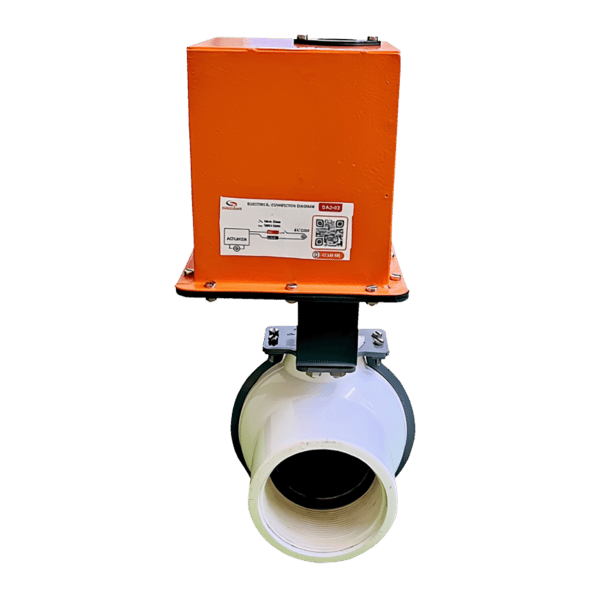
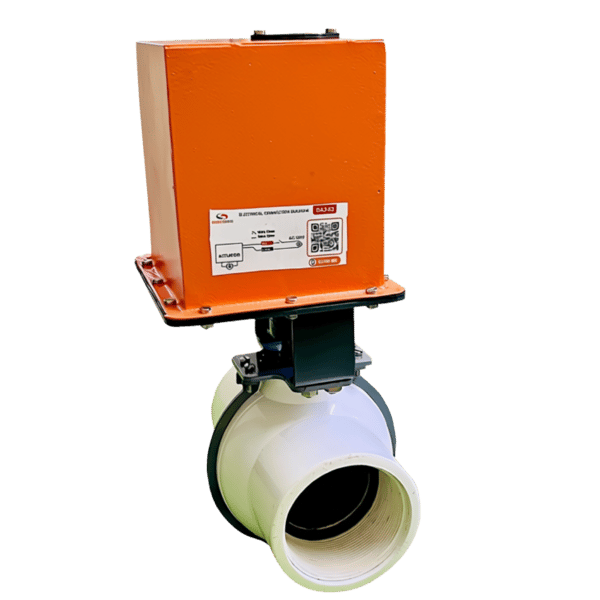
Threaded PVC ball valve for scheduled ON/OFF control in low-pressure irrigation lines. Range options include 1 to 4 inch sizes without manual override; the specifications below apply to this model. Select 12V DC or 24V DC, with 220V AC available on request.
| Size | 50mm / 2 Inch / Threaded Ends |
|---|---|
| Material | PVC |
| Voltage | 12VDC / 24VDC / 220VAC |
| Function | Timer Controlled ON / OFF |
| Feedback | Optional |
| Operating Speed | 60 Seconds |
| Temperature | Ambient |
| Number of Ports | 2 Way |
| Pressure | upto 3 Bar |
Confirm supply voltage, pressure at operating temperature and the selected configuration before ordering.
Divert irrigation water between outlets with a scheduled 3-way PVC valve. Flow paths depend on the selected port configuration. Range options include 1 to 4 inch sizes without manual override; the specifications below apply to this model. Select 12V DC or 24V DC, with 220V AC available on request.
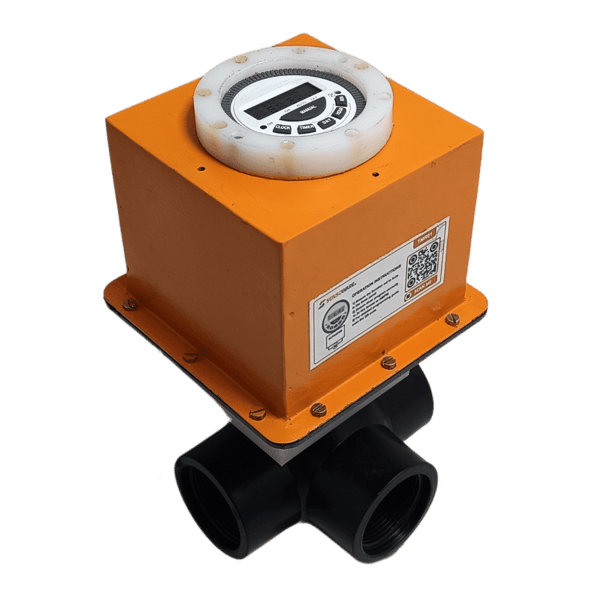
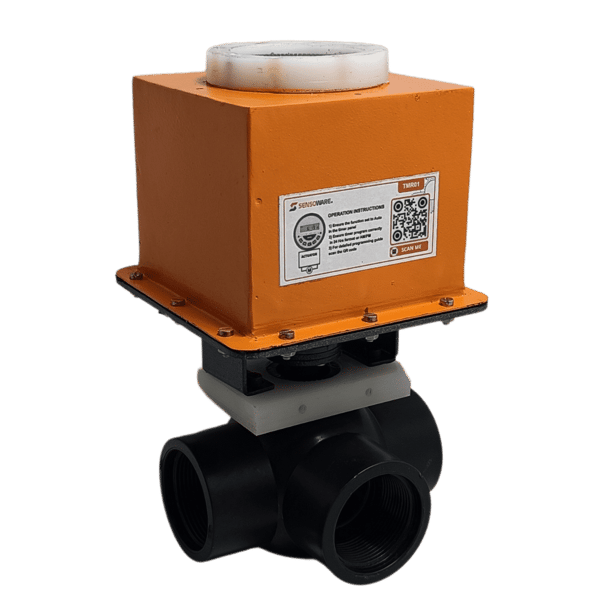
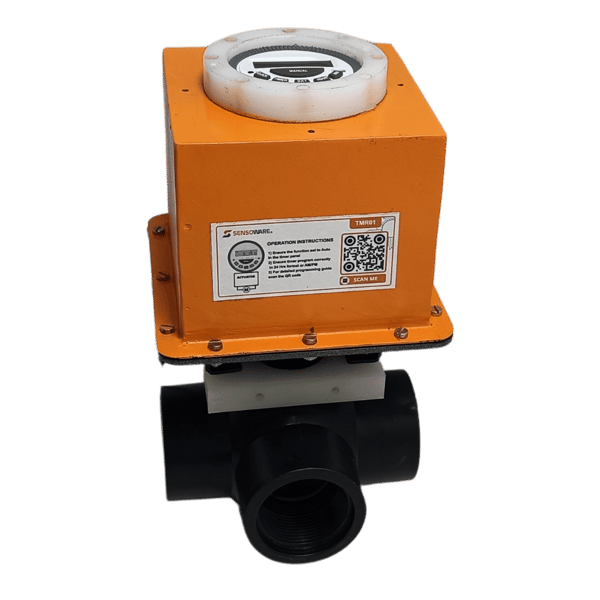
| Size | 40mm / 1.5 Inch / Threaded Ends |
|---|---|
| Material | PVC |
| Voltage | 12VDC / 24VDC / 220VAC |
| Function | Timer Controlled ON / OFF |
| Feedback | Optional |
| Operating Speed | 60 Seconds |
| Temperature | Ambient |
| Number of Ports | 3 Way |
| Pressure | upto 3 Bar |
Confirm supply voltage, pressure at operating temperature and the selected configuration before ordering.
Discuss a solar power pack matched to your valve supply, operating frequency and site conditions.
Panel, battery and controller sizing depend on the installation and required autonomy.
Explore solar power options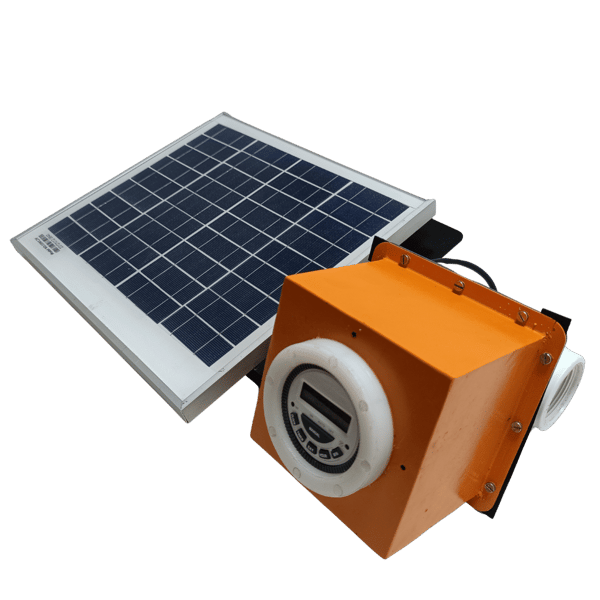
Different fluids, connections and control needs. Find the valve that fits your application.
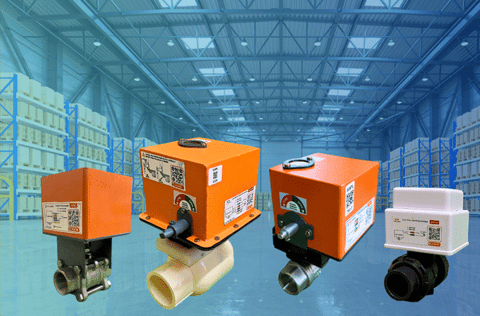
Explore ball, butterfly and multiport valves, with a choice of body materials and connections.
Browse all valves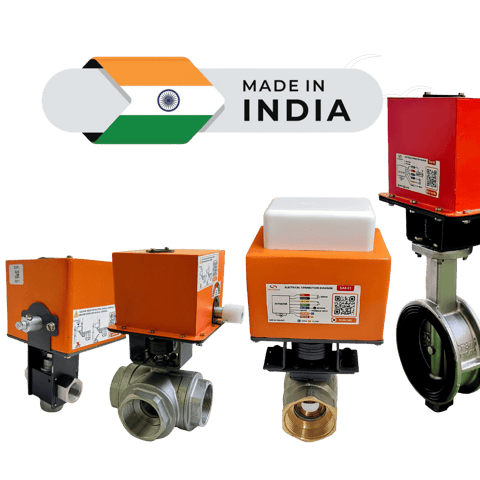
Understand valve types, actuator operation and control options before choosing your configuration.
Explore the selection guideTell us what you need for scheduled irrigation. Include the valve size, number of ports, power supply and any solar power requirements so we can quote the right configuration.